Quantization can make or break your experience running large language models on local hardware by reducing memory usage, improving efficiency, and keeping inference times practical without sacrificing too much output quality.
When I first explored running LLMs locally, I was tempted to download the largest model I could find. Quickly, my laptop struggled: memory maxed out, GPU fans went into overdrive, and responses crawled. It was frustrating to realize that sheer model size is often less important than how the model is represented internally. Quantization changes that equation entirely.
Understanding quantization is less about complex math and more about practical tradeoffs. It’s about asking: which parts of this model can be simplified without losing the functionality I need?
Why Large Models Are Expensive to Run
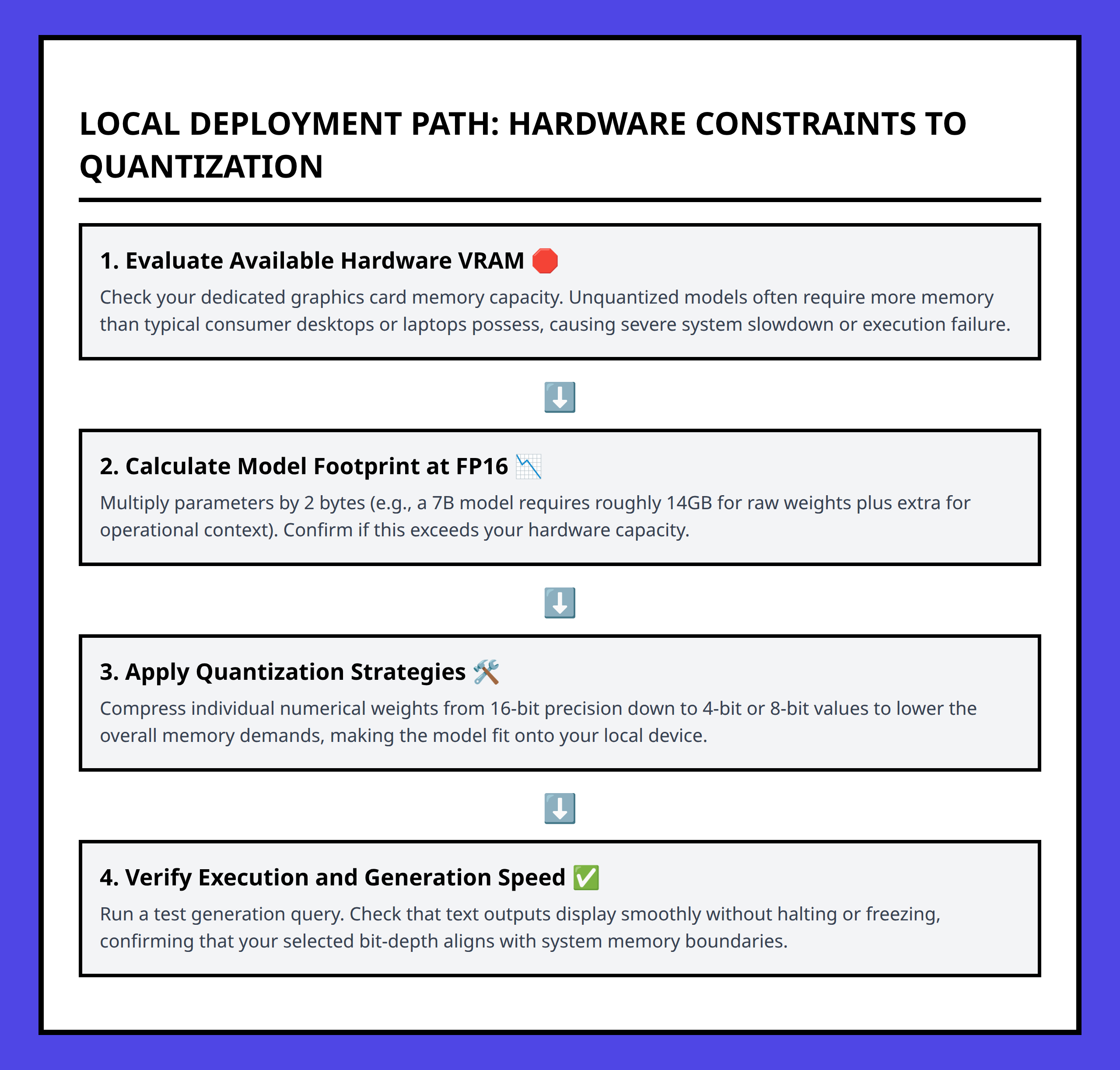
Modern LLMs can have billions of parameters. Each parameter consumes memory and computational power, and processing them during inference adds up quickly. On consumer-grade hardware, this often leads to slow response times or crashes. I realized that size alone shouldn’t determine my choice; how the model is encoded is crucial.
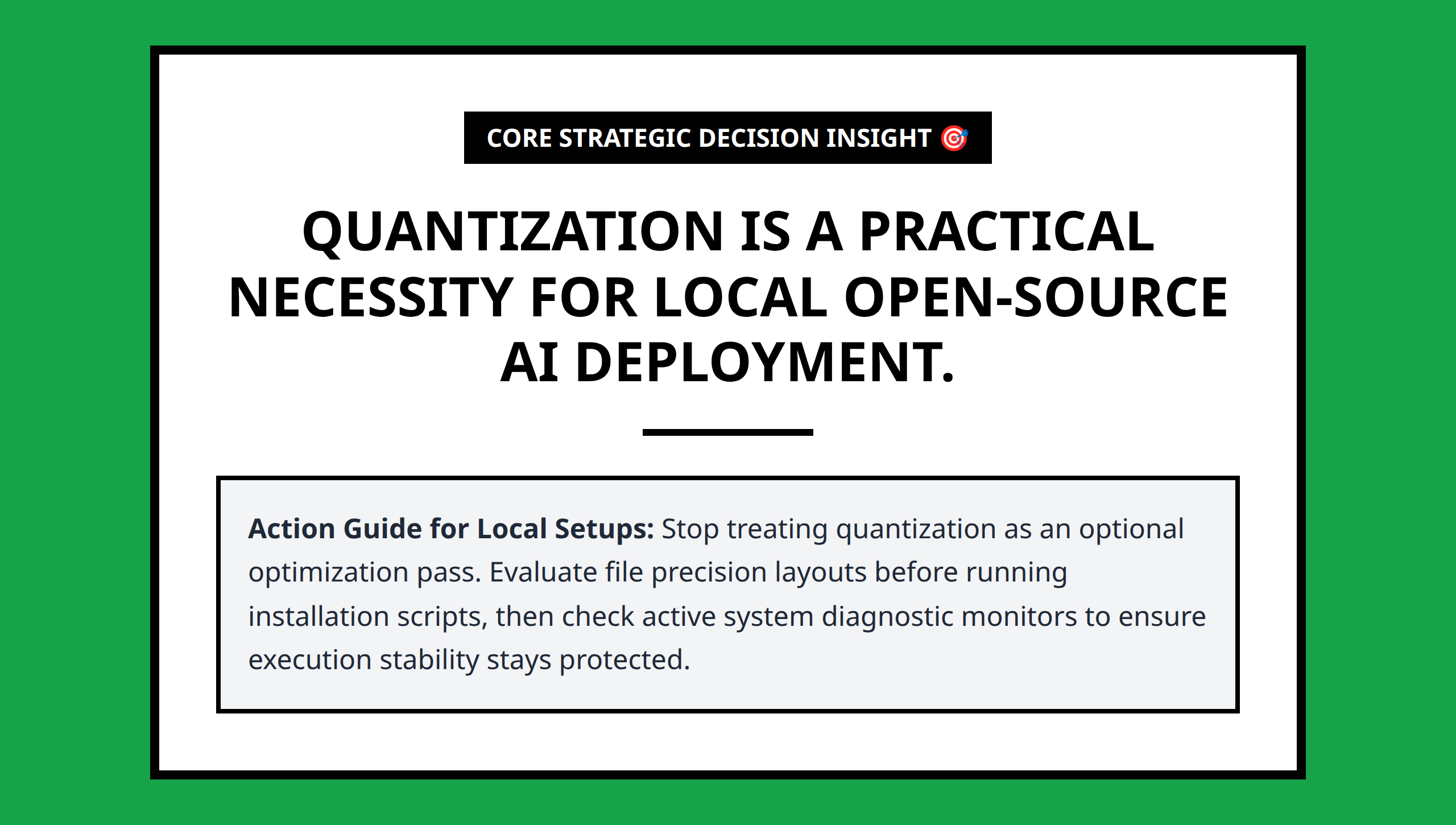
Quantization reduces the precision of parameters, meaning each value consumes less memory and requires fewer calculations. The impact on actual outputs is often minimal for practical tasks, like generating Python snippets or answering programming questions. I treat quantization as a lever to make large models usable rather than perfect.
How Quantization Reduces Resource Requirements
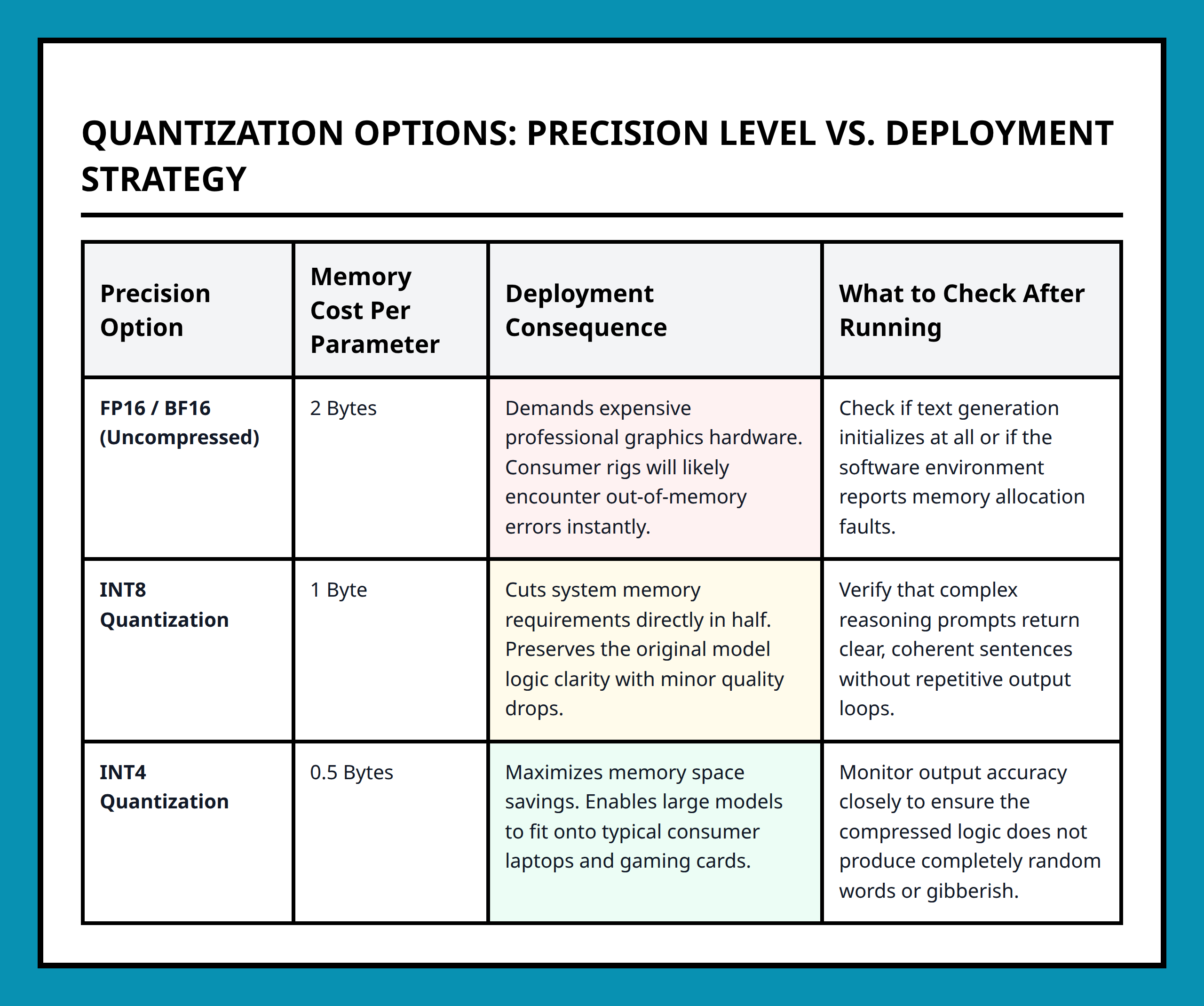
Quantization can go from 32-bit floats down to 16-bit, 8-bit, or even 4-bit representations. Lowering precision reduces memory and compute requirements almost linearly. I find it helpful to think of this as compressing the model so that it fits comfortably into my system’s RAM while keeping execution fast enough for interactive use.
For example, a model that normally requires 16GB of memory can be reduced to 4–8GB after quantization, making it feasible to run on a standard laptop without external GPUs. This opens up local experimentation without the need for high-end infrastructure.
Tradeoffs Between Precision and Usability
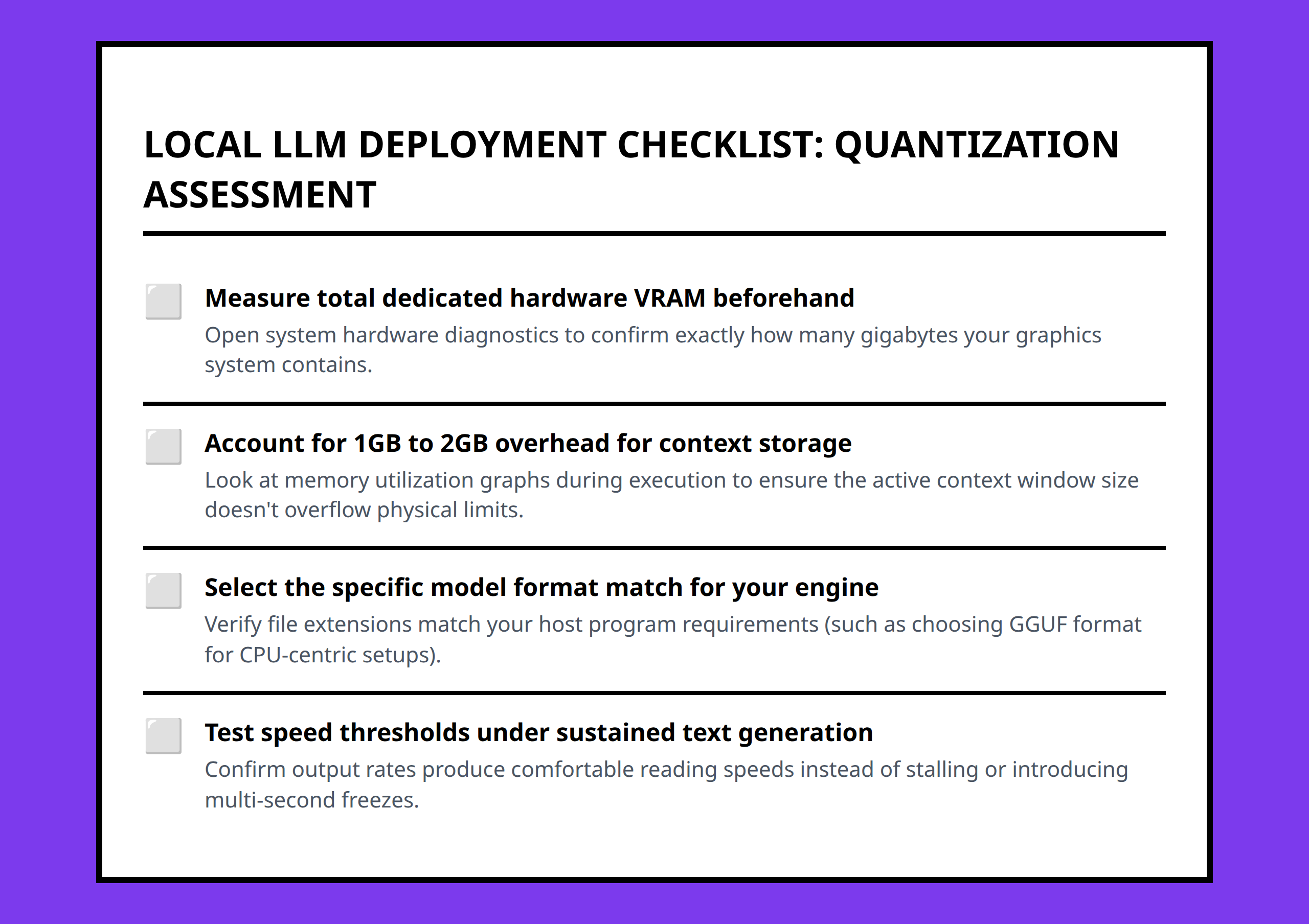
Of course, quantization isn’t free. Lowering precision can reduce output fidelity slightly, introducing minor inaccuracies or changing subtle aspects of generated code. I find it important to test my use case: for Python code generation, aggressive quantization usually still produces valid and usable code, but for highly precise tasks, a slightly higher precision may be preferable.
Deciding how aggressively to quantize involves considering what matters most: speed, memory constraints, or output fidelity. Treat it as a practical decision lens rather than a theoretical exercise.
Practical Deployment Consequences
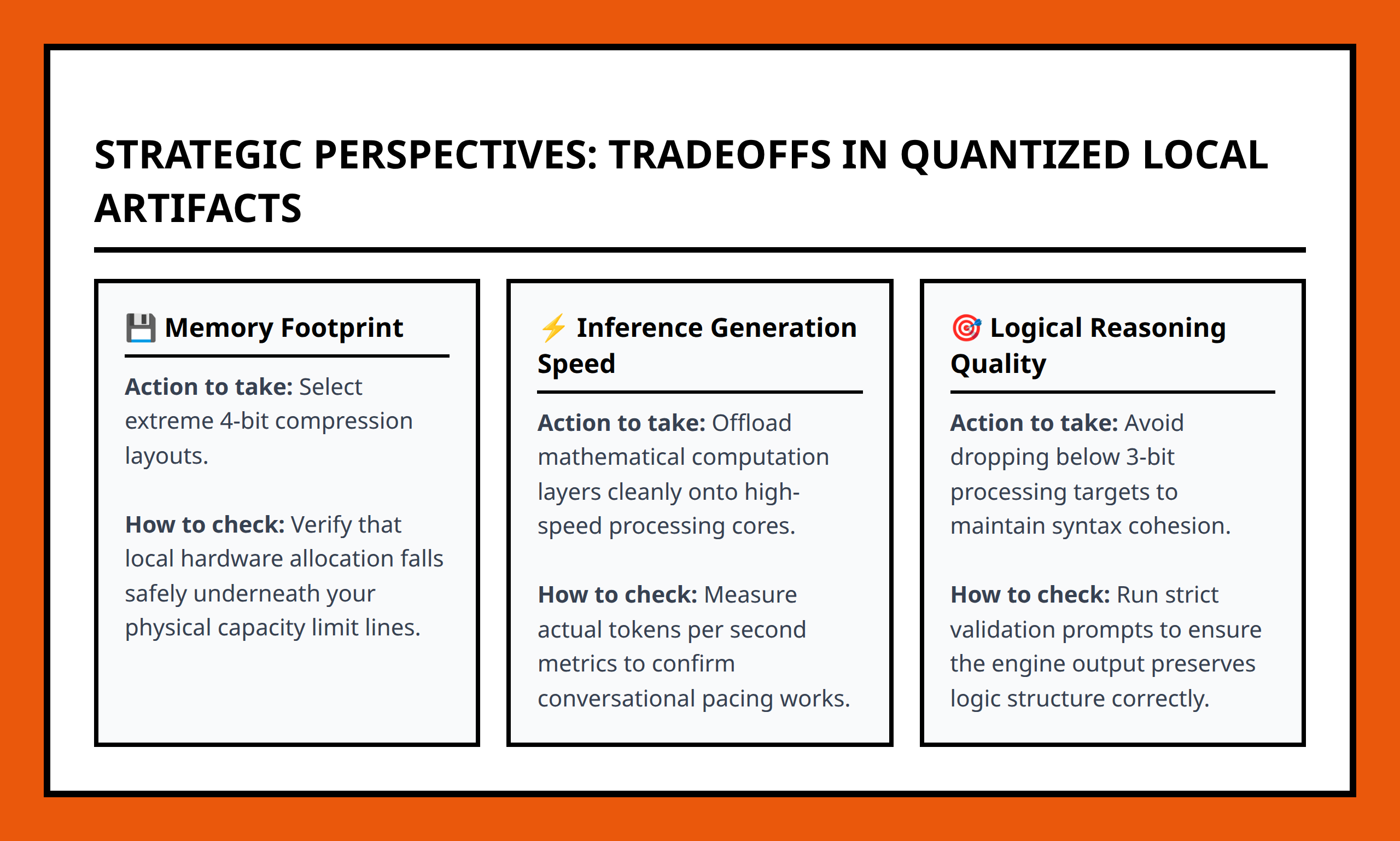
Once I adjusted for quantization, local deployment became much more feasible. Models ran without freezing my system, responses were near-instant, and I could iterate rapidly on code generation tasks. It also encouraged me to focus on workflow design rather than hardware limitations.
In practice, quantization allows developers to:
- Run large open-source LLMs on consumer-grade hardware
- Maintain acceptable inference speed
- Reduce memory footprint without drastically affecting output
- Experiment locally without heavy infrastructure
Thinking in terms of quantization changes how I evaluate and choose models for local deployment. Instead of being constrained by raw size, I can focus on practical usability, maintaining a balance between efficiency and effectiveness.
For anyone considering local LLM usage, quantization should be the first lever you pull before adjusting hardware or infrastructure. It turns an otherwise overwhelming model into something usable, efficient, and surprisingly practical.
fileciteturn4file0
References:
- https://www.youtube.com/watch?v=U5XabQQJka4
- https://www.youtube.com/watch?v=EKzZEOrpRPE
- https://www.youtube.com/watch?v=N3SUAftpwIU
- https://medium.com/@gautsoni/llm-quantization-the-practical-guide-and-why-it-matters-for-inference-and-training-8668f4b91dcc
- https://boringbot.substack.com/p/a-deep-dive-into-quantization-key
- https://www.reddit.com/r/LocalLLaMA/comments/1kmv4q4/running_llms_locally_tips_recommendations/
- https://www.reddit.com/r/LocalLLaMA/comments/1kmv4q4/running_llms_locally_tips_recommendations/msdgh8y/
- https://www.reddit.com/r/LocalLLaMA/comments/1pyrjke/benchmarks_for_quantized_models_for_users_locally/
- https://www.reddit.com/r/LocalLLaMA/comments/1q88soe/distilling_quantizing_llm_for_local_rag/
- https://www.sabrepc.com/blog/deep-learning-and-ai/what-is-llm-quantization-and-how-to-use-them
- https://www.levi9.com/blog/a-guide-to-running-llms-locally/
- https://www.sitepoint.com/local-llms-complete-guide/
- https://localllm.in/blog/quantization-explained
- https://nullprogram.com/blog/2024/11/10/
- https://kitemetric.com/blogs/run-large-language-models-on-your-own-pc-a-scientist-s-guide-to-cpus-gpus-ram-vram-quantization
- https://latitude.so/blog/quantized-llms-cost-performance-results
- https://bentoml.com/llm/model-preparation/llm-quantization