Generated Python examples from DeepSeek can help beginners grasp programming concepts faster by providing immediate, executable demonstrations that reinforce conceptual understanding and practical application.
When I first started learning Python, I often struggled to bridge the gap between theory and practical coding. Seeing a concept explained in text is useful, but without immediate examples, it can be hard to translate ideas into functioning code. Generated examples help close that gap.
DeepSeek provides structured Python code examples that align with the concepts being taught, allowing learners to interact with the code directly and experiment safely in their own environment.
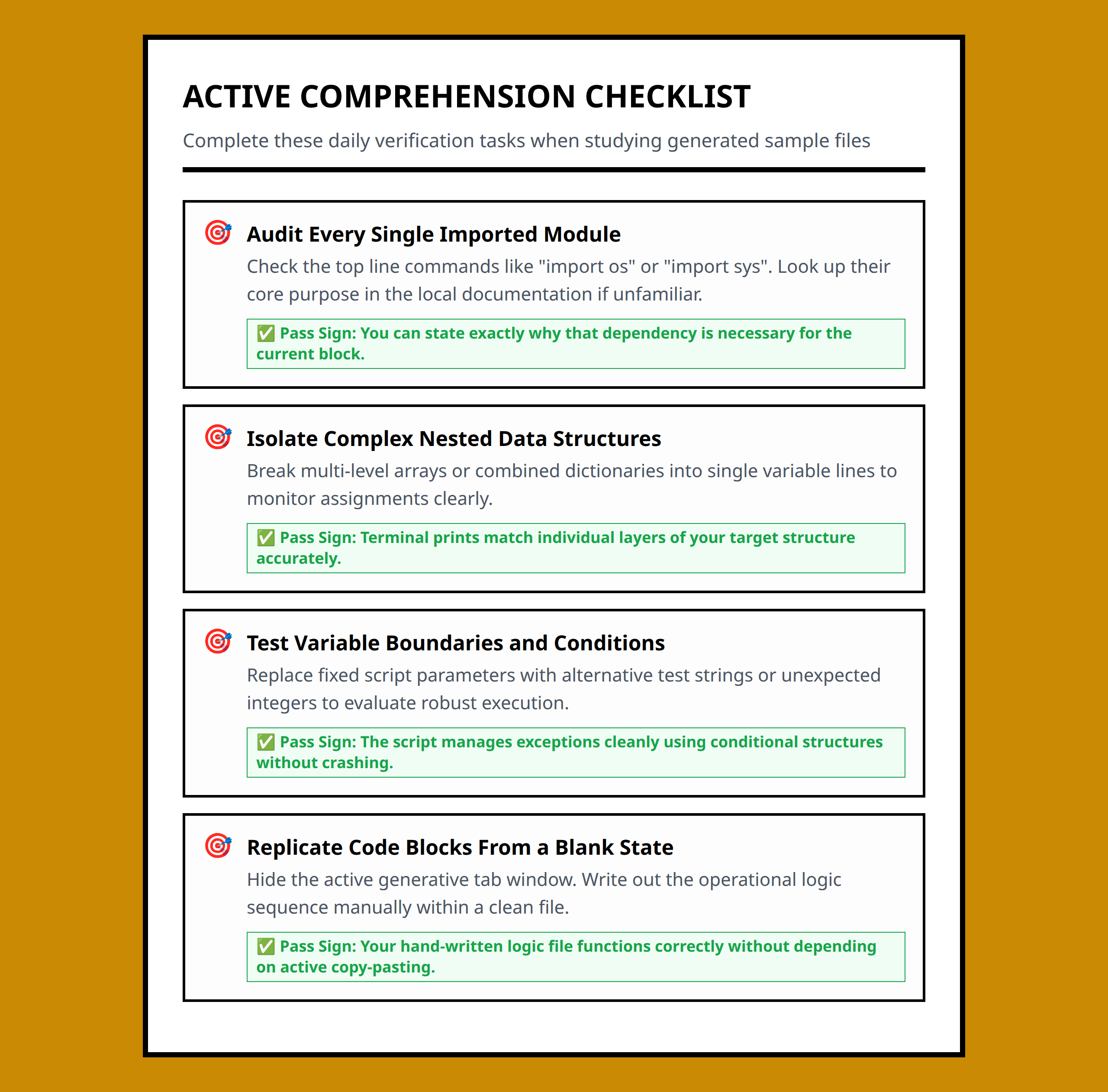
Reducing Beginner Learning Friction
One of the biggest challenges for beginners is understanding how abstract concepts translate into actual code. For example, learning about list comprehensions without seeing a concrete example can feel theoretical and confusing. DeepSeek-generated examples provide the concrete demonstrations needed to understand syntax, logic, and practical usage quickly .
By giving learners ready-to-run examples, it becomes easier to test, modify, and internalize Python concepts, reducing cognitive load and increasing engagement.
Example-Driven Learning Advantages
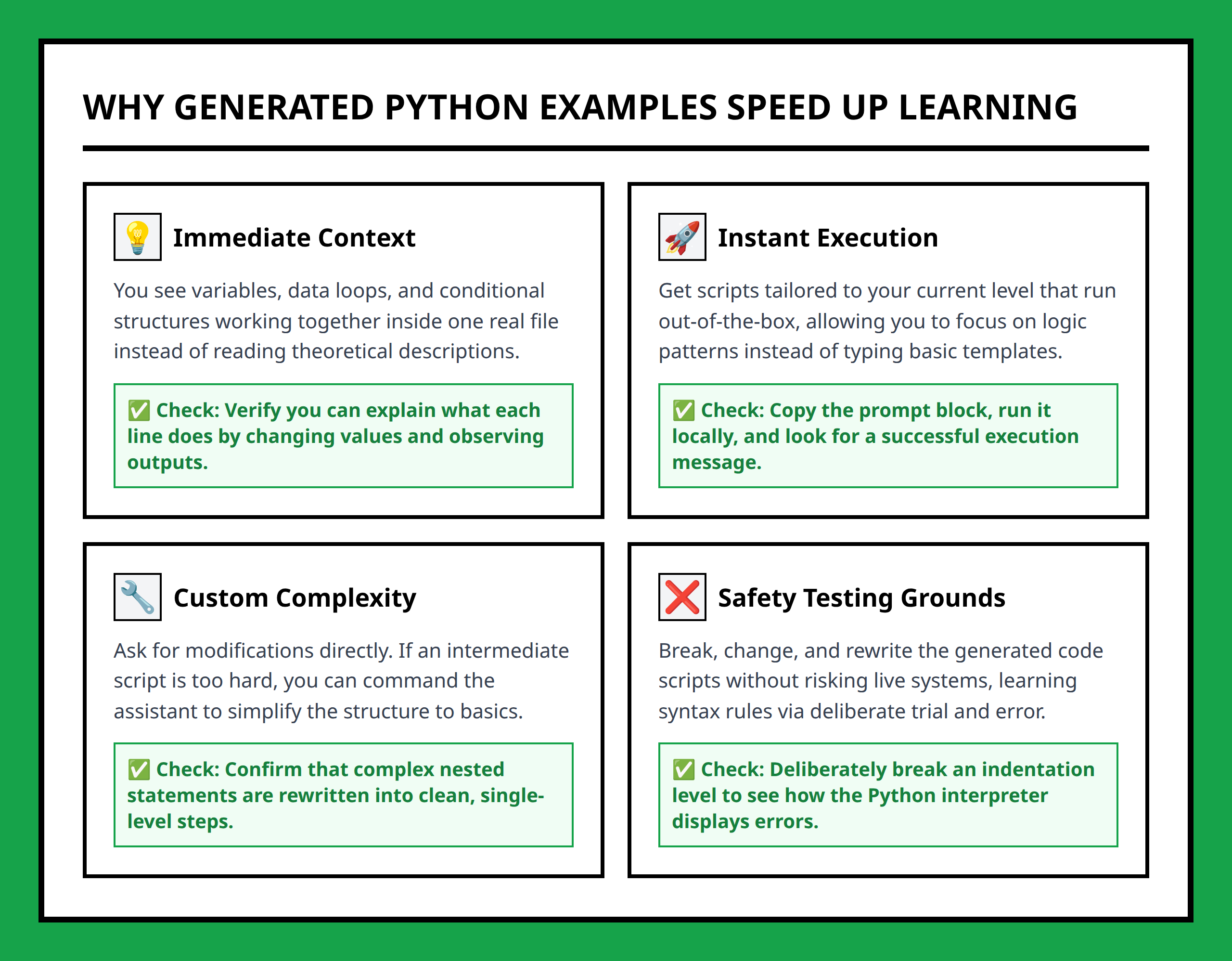
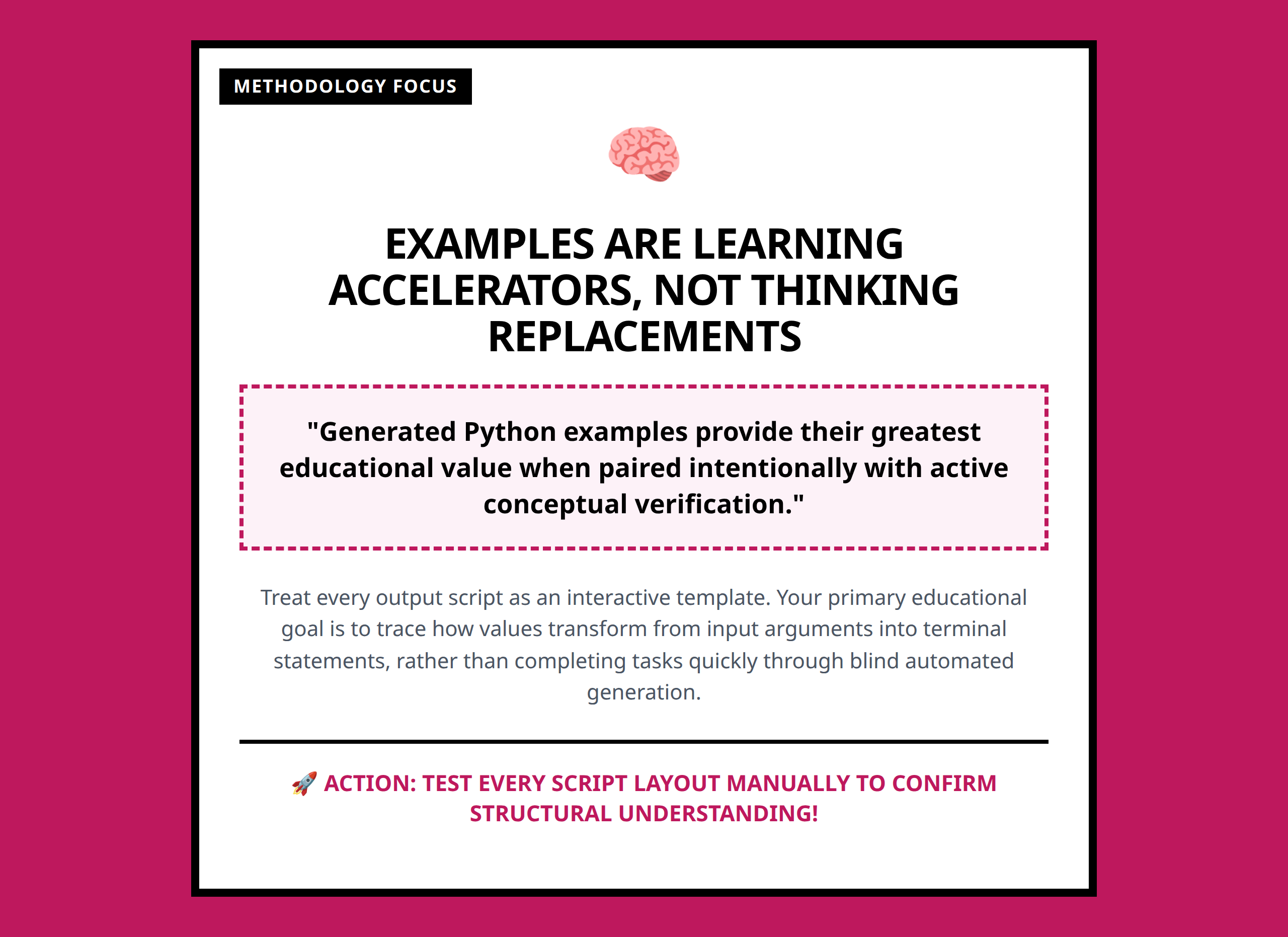
Examples accelerate learning by showing the correct structure and typical usage patterns. They allow learners to:
- Experiment with variations of the code safely
- Observe immediate feedback and results
- Understand best practices and common pitfalls
- Connect theory with practical execution
I notice that learners who interact with examples tend to retain knowledge better and can apply it to new problems more confidently.
Importance of Understanding Generated Code
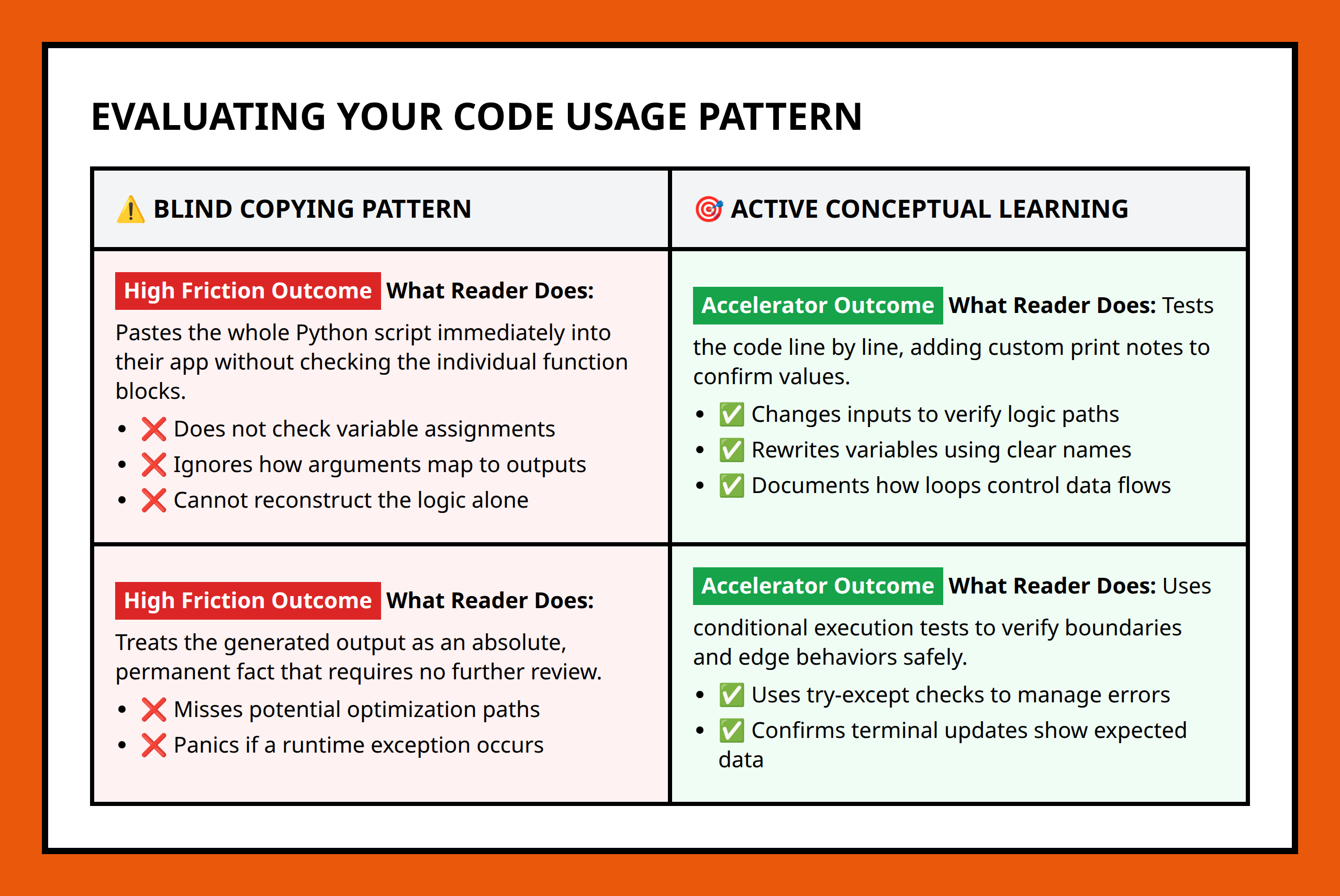
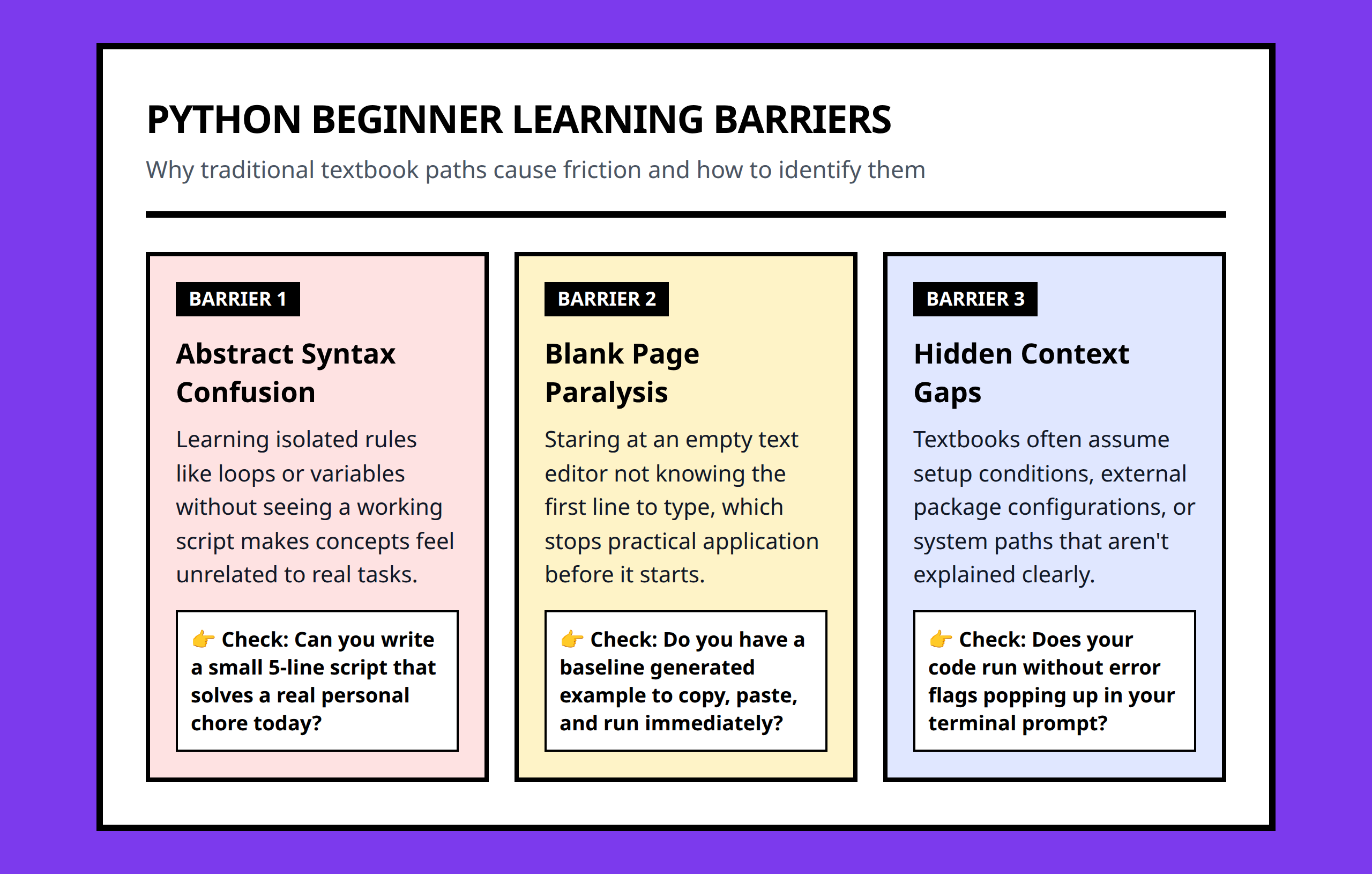
It’s crucial not to treat generated examples as black boxes. DeepSeek encourages pairing examples with conceptual explanations so learners understand the ‘why’ behind the code. I usually recommend reviewing each example carefully, predicting outputs, and adjusting parameters to see the effects. This ensures the examples reinforce learning rather than just showing a solution .
Practical Workflow Implications
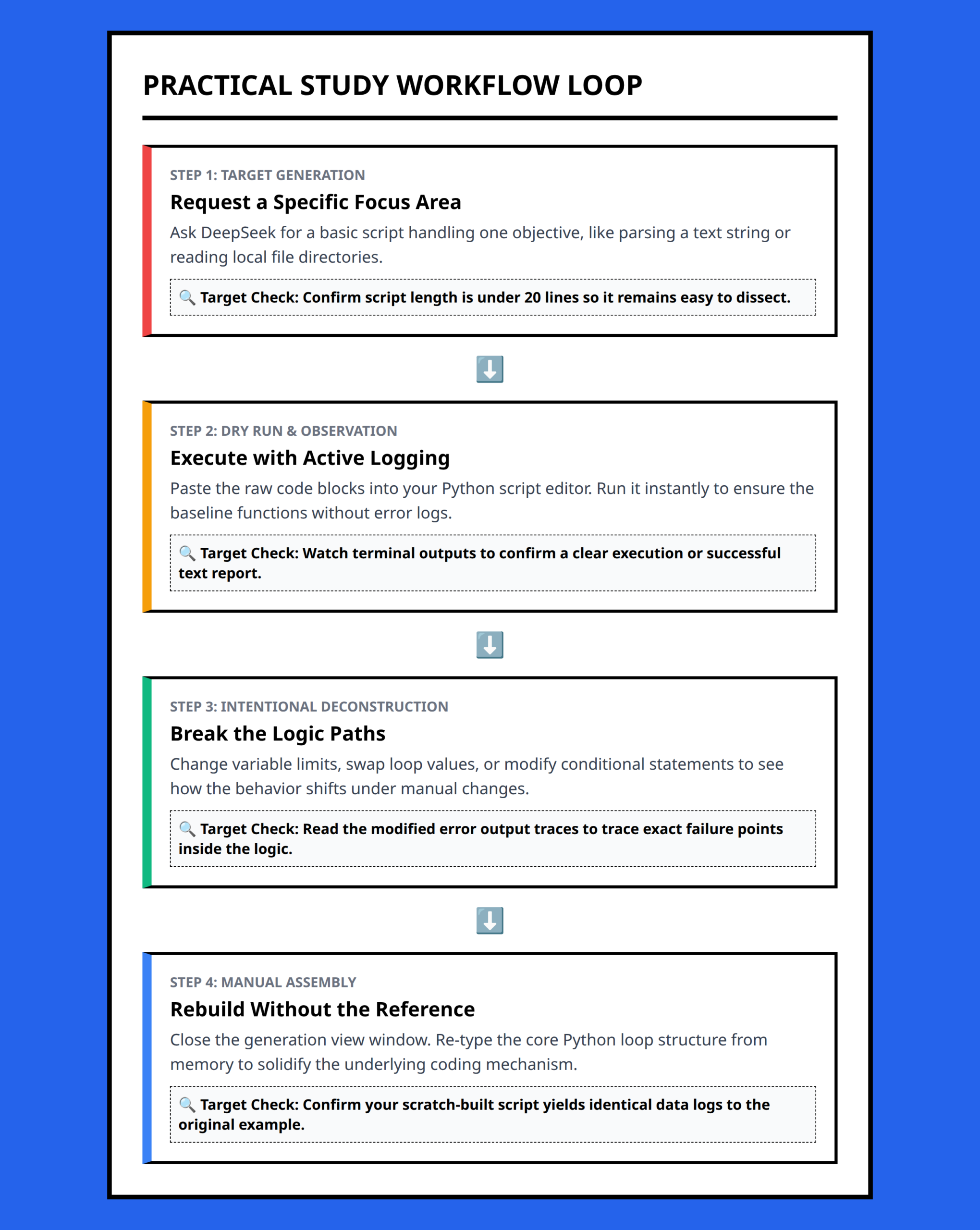
Integrating DeepSeek-generated examples into study routines transforms how beginners approach coding exercises. Instead of struggling to create examples from scratch, learners can focus on comprehension, experimentation, and iterative improvement. I often set up small exercises where I tweak the generated code to explore edge cases or optimize logic, which solidifies understanding and builds confidence.
This methodology makes Python learning more interactive and less intimidating, turning abstract concepts into actionable skills quickly and effectively.
References:
- https://www.youtube.com/watch?v=_8tcA9-14JQ
- https://www.youtube.com/watch?v=ybvUzU1JnM4
- https://www.youtube.com/watch?v=_CXwZ5xyFno
- https://www.youtube.com/watch?v=6MDxcRCCBkY
- https://chat-deep.ai/guide/deepseek-learn-programming-languages/
- https://www.vellum.ai/blog/the-training-of-deepseek-r1-and-ways-to-use-it
- https://medium.com/@suvarnaptaware/deepseek-step-by-step-guide-48c8fe3be7db
- https://www.youtube.com/watch?v=5avSMc79V-w
- https://www.qpython.com/courses/getting-started-with-deepseek-ai-programming/
- https://pub.towardsai.net/deepseek-ai-beginners-guide-db934487ab78
- https://www.datacamp.com/tutorial/deepseek-api
- https://www.youtube.com/watch?v=OUCybkPUKfw
- https://www.youtube.com/watch?v=ItGxewEdpaQ
- https://www.digitalocean.com/resources/articles/deepseek-pros-and-cons
- https://www.youtube.com/watch?v=UXpLnuxx5NM
- https://www.youtube.com/watch?v=ENCguKENBcU
- https://medium.com/@tahirbalarabe2/deepseek-r1-api-interaction-with-python-4fd4217b3b6f
- https://www.youtube.com/watch?v=XOcBqFZ7yY8
- https://launchdarkly.com/blog/deepseek-ai-configs-get-started-python/